Download and archive resources from the web
This plugin can be used to download and archive external resource, like images or pdfs.
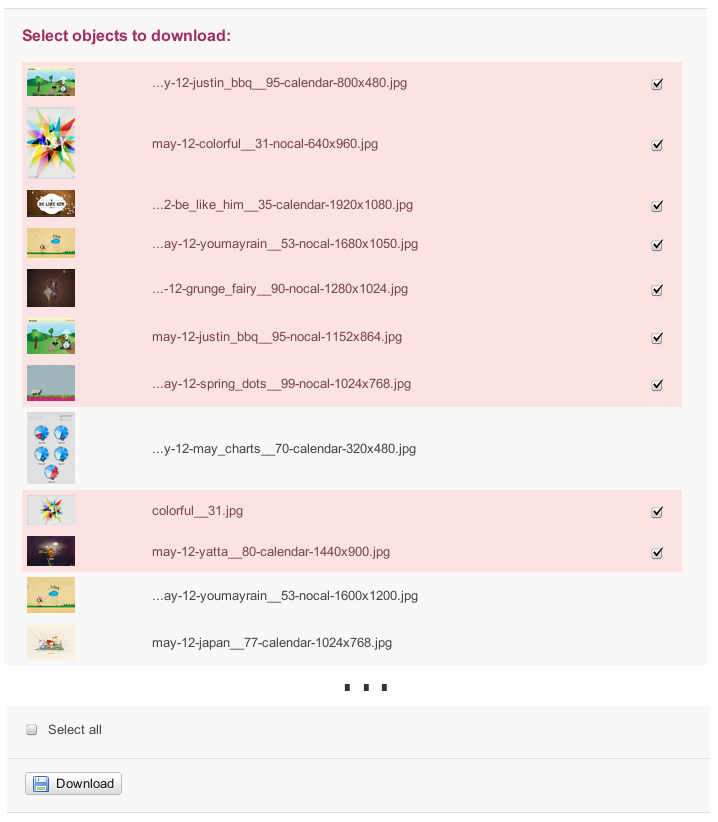
It expects an url, analyzes it and offers a menu of links to all resources reachable from that page.
Upon selection it, download and attach all resources to the current topic for local use.
You'll enter the harvest process using the
harvestplugin template like this
http://foswiki.org/Extensions/HarvestPlugin?template=harvestplugin
This plugin is best integrated in
NatSkin's menu concept. For now, you'll
have to modify your local PatternSkin to add this tool to your site.
Screenshots
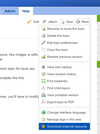
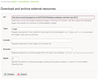
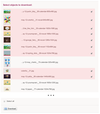
Installation Instructions
You do not need to install anything in the browser to use this extension. The following instructions are for the administrator who installs the extension on the server.
Open configure, and open the "Extensions" section. "Extensions Operation and Maintenance" Tab -> "Install, Update or Remove extensions" Tab. Click the "Search for Extensions" button.
Enter part of the extension name or description and press search. Select the desired extension(s) and click install. If an extension is already installed, it will
not show up in the
search results.
You can also install from the shell by running the extension installer as the web server user: (Be sure to run as the webserver user, not as root!)
cd /path/to/foswiki
perl tools/extension_installer <NameOfExtension> install
If you have any problems, or if the extension isn't available in
configure, then you can still install manually from the command-line. See
https://foswiki.org/Support/ManuallyInstallingExtensions for more help.
Dependencies
| Name | Version | Description |
|---|
| Foswiki::Contrib::CacheContrib | >=0 | Required. |
| Foswiki::Contrib::JsonRpcContrib | >=2.23 | Required. |
| Foswiki::Plugins::JQueryPlugin | >=6.00 | Required. |
| Foswiki::Plugins::MimeIconPlugin | >=1.1 | Required. |
Change History
| 21 Oct 2020 |
reworked caching to use CacheContrib |
| 12 Nov 2019 |
added strikeone protection to harvest UI; allow to download svgs as well; harvest image sets as required |
| 11 Jun 2018 |
added proper support for PROXY / NOPROXY network settings in Foswiki |
| 02 Sep 2016 |
oo-ify core of plugin; work around broken mime types for images, fix encoding problems and make it work with newer JsonRpcContrib |
| 12 Jan 2015 |
sort results returned from external web page |
| 16 Dec 2014 |
ignore ssl certificate problems when downloading stuff |
| 29 Sep 2014 |
replaced deprecated jquery.tmpl with jsrendr |
| 03 Sep 2014 |
fixed corruption of downloaded files |
| 04 Apr 2014 |
flag rest handlers that don't require authentication |
| 12 Dec 2013 |
first dot.oh release |

 HarvestPlugin is not installed on Foswiki.org.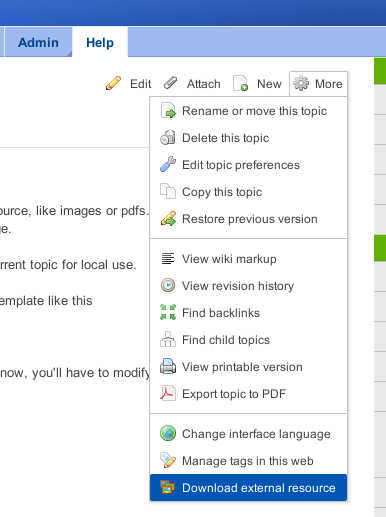



 md5
md5  tgz
tgz  png
png 


 Legal Imprint Privacy Policy