 |
|
You are here: Foswiki>Extensions Web>Extensions>GnuPlotPlugin (11 Jul 2016, MichaelDaum)Edit Attach
 GnuPlotPlugin is not installed on Foswiki.org.
GnuPlotPlugin
Allows users to plot data and functions using GnuPlot Gnuplot is a portable graphing utility. It was originally created to allow scientists and students to visualize mathematical functions and data interactively, but has grown to support many non-interactive uses such as web scripting. It is also used as a plotting engine by third-party applications like Octave. Gnuplot has been supported and under active development since 1986. See the full documentation of gnuplot itself at http://www.gnuplot.info/documentation.htmlSyntax Rules
Images are generated using the%GNUPLOT{<parameters>}% macro. It can either read the plot script from a named section or from a plot script attached to a topic.
| Parameter | Description | Default |
|---|---|---|
"..." |
name of section in mode="section"; name of attachment in mode="attachment" |
|
mode="attachment|section" |
specifies the mode of operation | attachment |
attachtopic="..." |
name of the topic where to attach the output of gnuplot | current topic |
topic="..." |
name of a topic to read a section (or attachment) from | current topic |
type="gif|jpeg|png|svg" |
terminal and file type being generated; note that not all terminal types of gnuplot make sense online | png |
width="<integer>" |
width of the image being generated | 640 |
height="<integer>" |
height of the image being generated | 480 |
size="<integer>x<integer>|dynamic|fixed" |
geometry of the image being generated; values dynamic and fixed only make sense for type="svg" |
$width x $height |
format="..." |
format string to render the output image | <img src='$url' class='gnuPlotImage' id='gnuplot$name' alt='$name' width='$width' height='$height' /> |
format string may use the following variables:
-
$url: url to the image file being created -
$web: web name where the image has been created -
$topic: topic name where the image has been attached -
$file: file name of the image -
$name: name of the source image -
$width: width of the image being created -
$height: height
topic specified.
To reference data files attached to a plot script the variables %ATTACHDIR% and %PUBDIR% are supported to properly determine the location of those.
For example below "Damped Sinus" script looks like this:
set title "Damped Sinus"
set nokey
set xlabel "X Axis Label"
set ylabel "Y Axis Label"
plot '%ATTACHDIR%/DampedSinus.data'
Examples
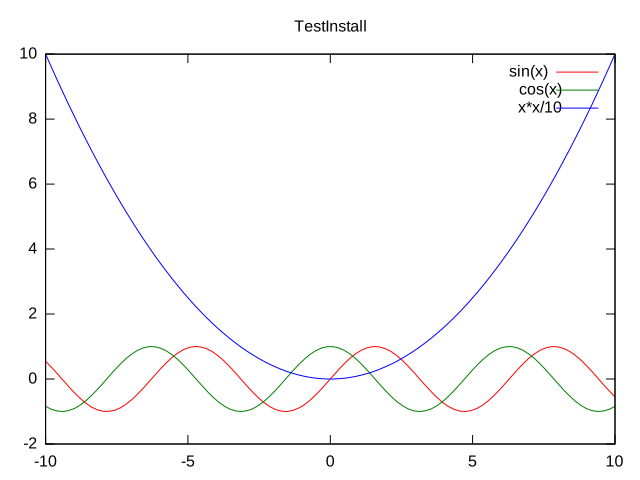
The following images are examples of plots generated by GnuPlot:Simple function test
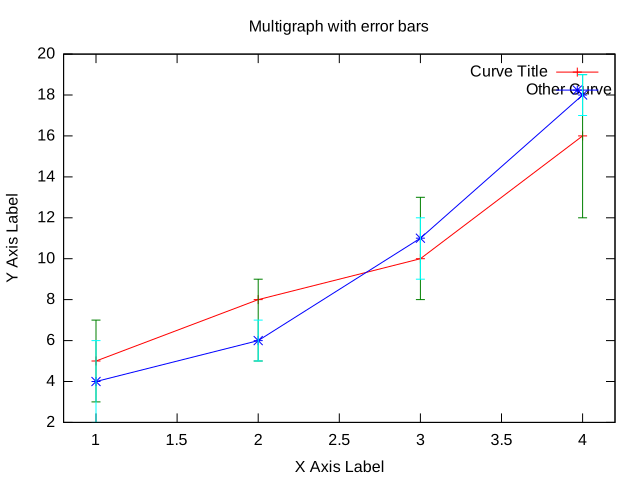
Error: Exception 410: no images defined `Resize' @ error/Q16HDRI.xs/XS_Image__Magick__Q16HDRI_Mogrify/7840Multi graphs with errorbars, datafile based
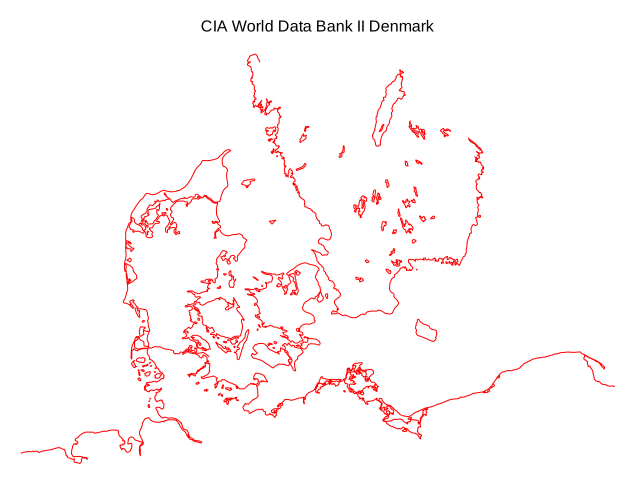
Error: Exception 410: no images defined `Resize' @ error/Q16HDRI.xs/XS_Image__Magick__Q16HDRI_Mogrify/7840Map of Denmark, datafile based (data from CIA World Data Bank II)
Error: Exception 410: no images defined `Resize' @ error/Q16HDRI.xs/XS_Image__Magick__Q16HDRI_Mogrify/7840Interlocking Tori (3D)
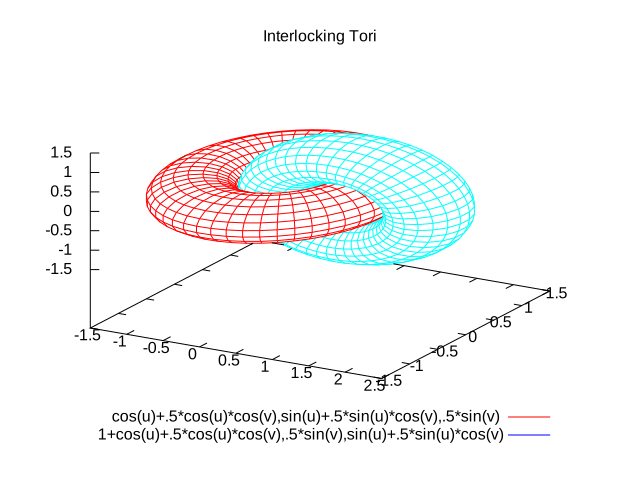
Blue Whale (3D), datafile based

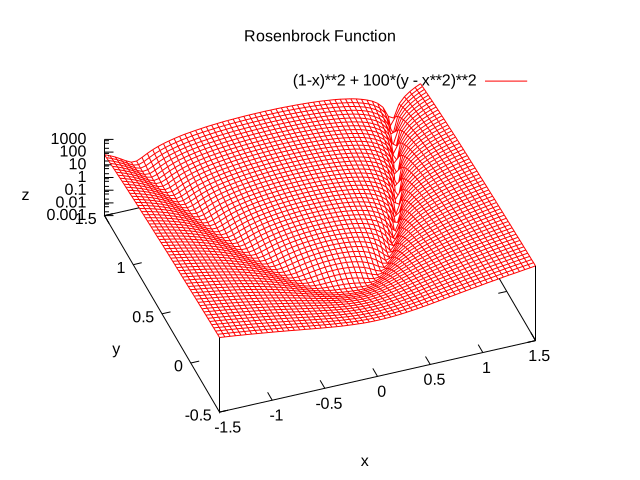
Alternative GnuPlot render sizes, Rosenbrock Function
Error: Exception 410: no images defined `Resize' @ error/Q16HDRI.xs/XS_Image__Magick__Q16HDRI_Mogrify/7840Installation
You do not need to install anything in the browser to use this extension. The following instructions are for the administrator who installs the extension on the server. Open configure, and open the "Extensions" section. Use "Find More Extensions" to get a list of available extensions. Select "Install". If you have any problems, or if the extension isn't available inconfigure, then you can still install manually from the command-line. See http://foswiki.org/Support/ManuallyInstallingExtensions for more help.
Dependencies
NoneChange History
| 11 Jul 2016: | added attachtopic and format parameters (Foswiki:Main.MichaelDaum) |
| 30 Apr 2014: | rewrite (Foswiki:Main.MichaelDaum) |
| 30 Apr 2006: | Added sandbox security mechanism (Foswiki:Main.SteffenPoulsen) |
| 19 Apr 2006: | Fixed anchors, added 3D examples, added png size option (Foswiki:Main.SteffenPoulsen) |
| 17 Apr 2006: | Doc update, changed working dir to ATTACHURLPATH (Foswiki:Main.SteffenPoulsen) |
| 27 Jan 2006: | Initial version |
PackageForm edit
| Author | TWiki:Main.AbieSwanepoel, Foswiki:Main.MichaelDaum |
| Version | 2.10 |
| Release | 11 Jul 2016 |
| Description | Allows users to plot data and functions using GnuPlot |
| Copyright | © 2006 TWiki:Main.AbieSwanepoel; 2007-2016 Foswiki Contributors https://foswiki.org |
| License | GPL ( GNU General Public License) |
| Home | https://foswiki.org/Extensions/GnuPlotPlugin |
| Support | https://foswiki.org/Support/GnuPlotPlugin |
| Repository | https://github.com/foswiki/GnuPlotPlugin |
| ExtensionClassification | Interface and Visualisation |
| ExtensionType | PluginPackage |
| Compatibility | |
| ImageUrl | http://foswiki.org/pub/Extensions/GnuPlotPlugin/gnuplot_dc49080a70cc4879a80c08603cb17eef_RosenbrockFunction.svg |
| DemoUrl | http:// |
| SupportUrl | GnuPlotPlugin |
| ModificationPolicy | PleaseFeelFreeToModify |


Edit | Attach | Print version | History: r3 < r2 < r1 | Backlinks | View wiki text | Edit wiki text | More topic actions
Topic revision: r3 - 11 Jul 2016, MichaelDaum








The copyright of the content on this website is held by the contributing authors, except where stated elsewhere. See Copyright Statement.  Legal Imprint Privacy Policy
Legal Imprint Privacy Policy